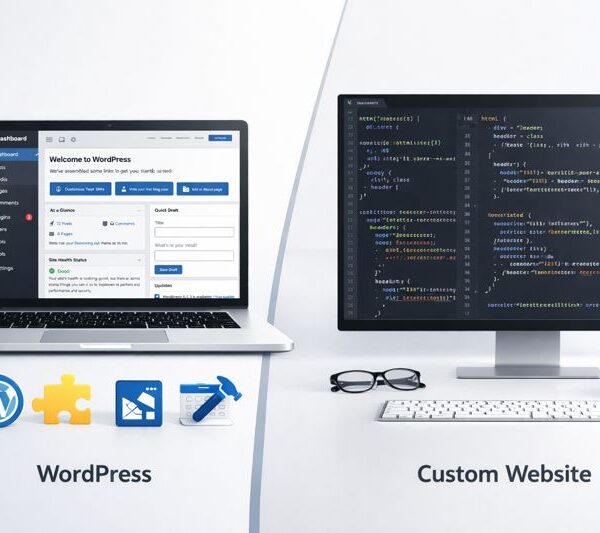





WordPress is one of the most powerful platforms for building websites, but simply using WordPress does not guarantee traffic. Many websites struggle to rank on Google—not because WordPress is bad, but because of common mistakes made during setup, design, and optimization.
If your website traffic is declining or not growing despite regular content updates, chances are you are making one or more critical WordPress mistakes.
In this blog, we will uncover the top 10 WordPress mistakes that are killing your website traffic and explain how each one negatively impacts SEO, user experience, and visibility.
1. Using a Slow or Poor-Quality Hosting Provider
Website speed is a major Google ranking factor. Cheap or unreliable hosting leads to:
- Slow page load times
- Frequent downtime
- Poor user experience
Slow websites increase bounce rate and reduce rankings.
Fix: Choose a fast, reliable hosting provider optimized for WordPress.
2. Installing Too Many Plugins
Plugins add functionality, but excessive plugins can:
- Slow down your website
- Cause compatibility issues
- Create security vulnerabilities
More plugins ≠ better website.
Fix: Use only essential, well-maintained plugins and remove unused ones.
3. Not Optimizing for Mobile Devices
More than half of web traffic comes from mobile devices. A non-responsive website:
- Ranks lower on Google
- Frustrates users
- Increases bounce rate
Google follows mobile-first indexing, so mobile optimization is non-negotiable.
Fix: Use a responsive theme and test your site on multiple devices.
4. Ignoring Basic SEO Settings
Many WordPress websites fail because SEO is not properly configured:
- Missing meta titles and descriptions
- Incorrect permalink structure
- No XML sitemap
Without SEO basics, Google cannot understand your site properly.
Fix: Configure SEO settings using a reliable SEO plugin and follow best practices.
5. Poor Content Structure
Long blocks of text without headings make content difficult to read. Poor structure:
- Reduces user engagement
- Increases bounce rate
- Hurts SEO
Google prefers well-structured content with clear headings.
Fix: Use one H1, proper H2 and H3 tags, short paragraphs, and bullet points.
6. Not Using Image Optimization
Large, unoptimized images slow down websites significantly. Many WordPress sites:
- Upload images without compression
- Ignore image dimensions
- Skip ALT text
This affects both speed and image SEO.
Fix: Compress images and add descriptive ALT text for every image.
7. Ignoring Website Security
Hacked or infected websites lose trust and rankings. Security issues can:
- Cause Google penalties
- Display malware warnings
- Result in data loss
Security directly impacts SEO and credibility.
Fix: Use security plugins, keep WordPress updated, and enable HTTPS.
8. Using a Poorly Coded Theme
Not all WordPress themes are SEO-friendly. Bad themes can:
- Slow down performance
- Break responsiveness
- Generate messy code
Design alone does not make a theme good.
Fix: Choose lightweight, well-coded themes optimized for speed and SEO.
9. No Internal Linking Strategy
Many websites forget to link related pages and blogs internally. This:
- Reduces crawlability
- Weakens SEO structure
- Misses ranking opportunities
Internal linking helps both users and search engines.
Fix: Link related blogs, services, and key pages strategically.
(Internal link suggestion: Flowmazon Website Development Services)
10. Not Tracking Performance and Analytics
Without data, you are guessing. Many site owners:
- Do not track traffic
- Ignore user behavior
- Miss SEO issues
This leads to repeated mistakes and no improvement.
Fix: Use analytics tools to monitor traffic, performance, and user behavior.
Why These WordPress Mistakes Hurt SEO
All the mistakes above impact:
- Website speed
- User experience
- Crawlability
- Search rankings
Google prioritizes websites that are fast, secure, user-friendly, and well-structured.
How Fixing These Mistakes Boosts Traffic
Once these issues are fixed, websites typically see:
- Lower bounce rate
- Higher engagement
- Better rankings
- Increased organic traffic
Small improvements can lead to big SEO results over time.
Final Verdict
WordPress is not the problem—poor implementation is.
By fixing these common WordPress mistakes, you can unlock the full potential of your website and start attracting consistent, high-quality traffic.
Conclusion
If your WordPress website is not performing well, do not rush to rebuild it. Start by identifying and fixing these top 10 WordPress mistakes.
A properly optimized WordPress website can become a powerful traffic-generating asset for your business.